Application
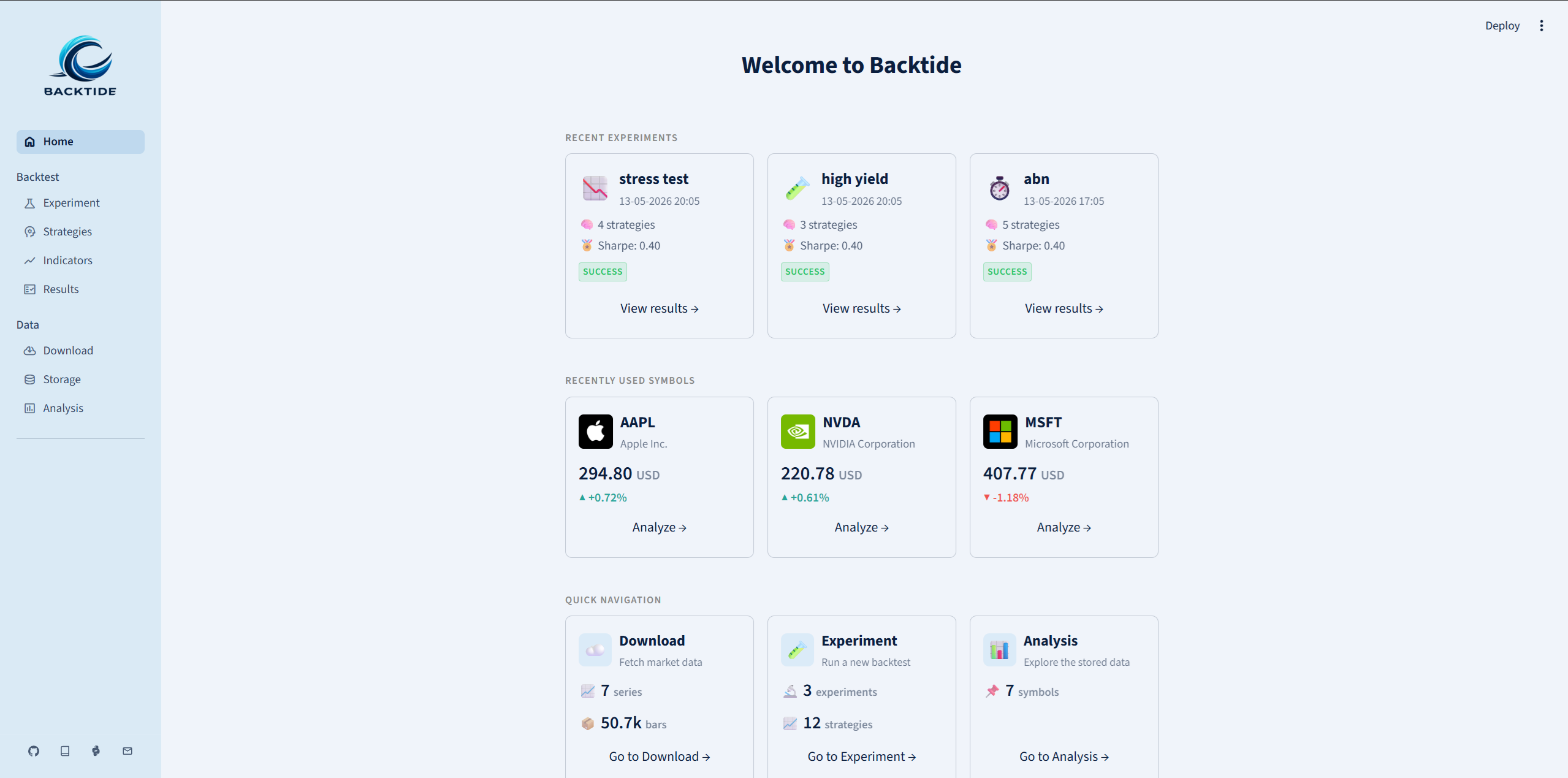
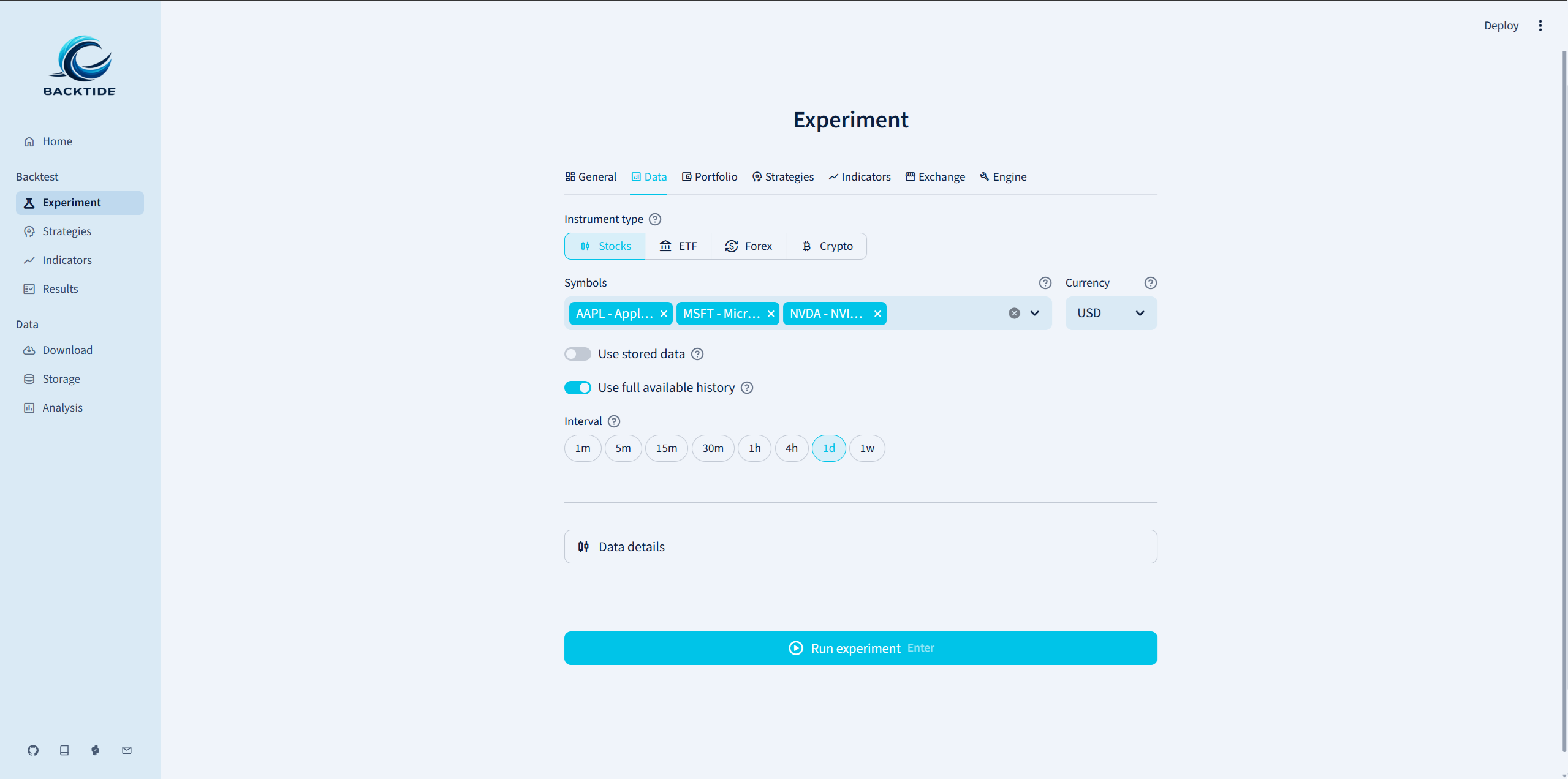
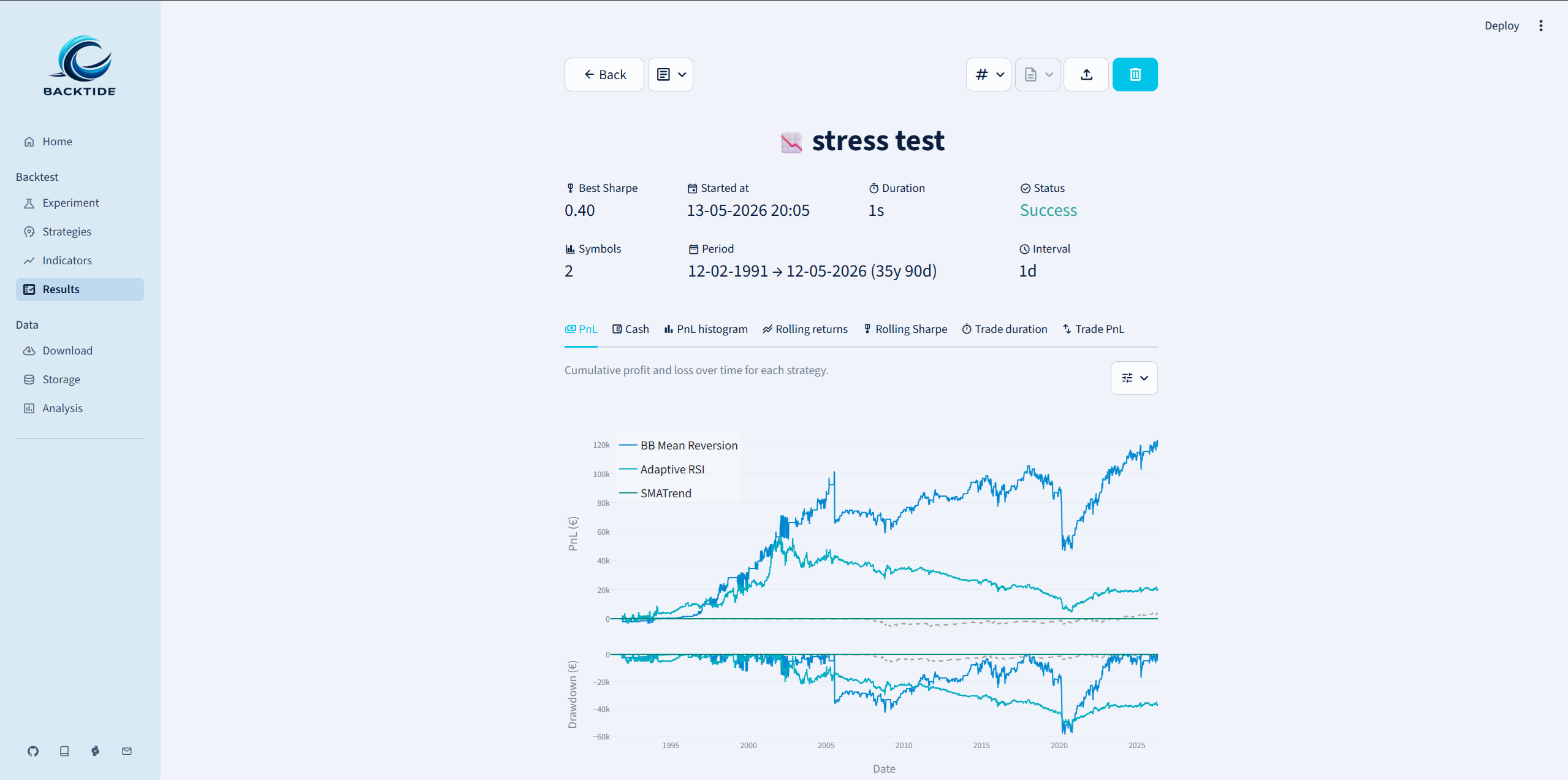
Backtide includes a modern Vue web application for the complete research workflow: download market data, manage reusable strategies and indicators, configure backtests, inspect interactive Plotly results, analyze stored series, and run live sessions. The app and API run locally on your machine.
The production frontend is bundled into every Python wheel. Installing Backtide does not install or require Node.js, npm, or pnpm; those tools are used only by contributors who rebuild the frontend source.
Launching the app
Start the application from the command line:
backtide launch
This starts Backtide's local HTTP and JSON API server at http://localhost:8501
and opens the application in the default browser. Customize the listener through
the configuration or command-line options:
backtide launch --address 0.0.0.0 --port 9000
You can also launch it programmatically:
from backtide.ui import launch

launch(address="localhost", port=8501)
Binding to 0.0.0.0 makes the local app reachable from other devices on the same
network. Use a firewall and a trusted network when exposing the listener because
the app can start jobs and modify the configured local Backtide store.
Sections
| Group | Section | Purpose |
|---|---|---|
| Overview | Home | Review recent experiments, stored datasets, active sessions, and workflow shortcuts. |
| Backtest | Experiments | Configure data, portfolios, reusable assets, execution assumptions, risk, and engine behavior. |
| Backtest | Results | Compare completed runs and inspect metrics, equity, trades, orders, configuration, and logs. |
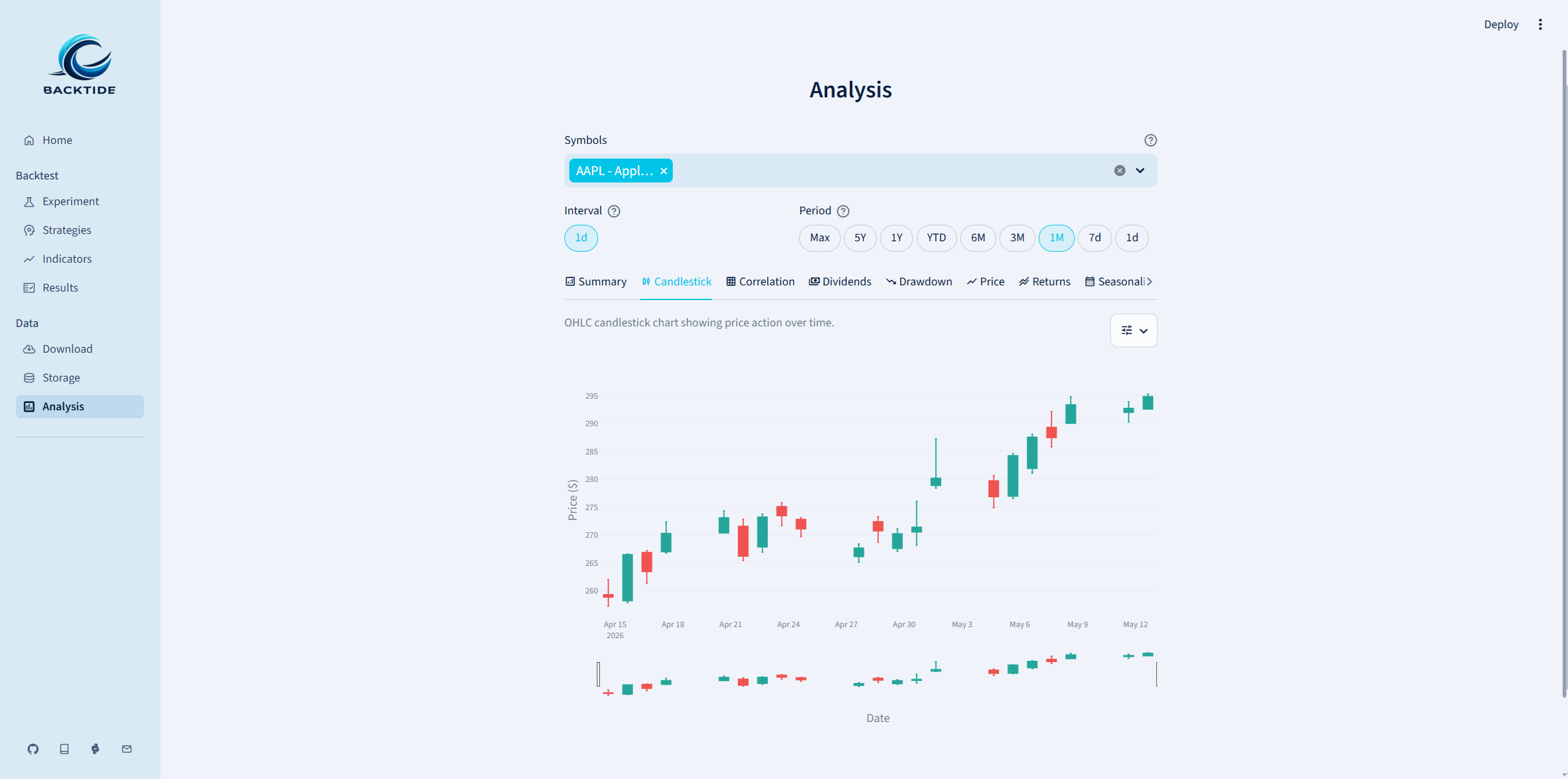
| Backtest | Analysis | Build interactive price, return, correlation, seasonality, volatility, volume, and dividend plots. |
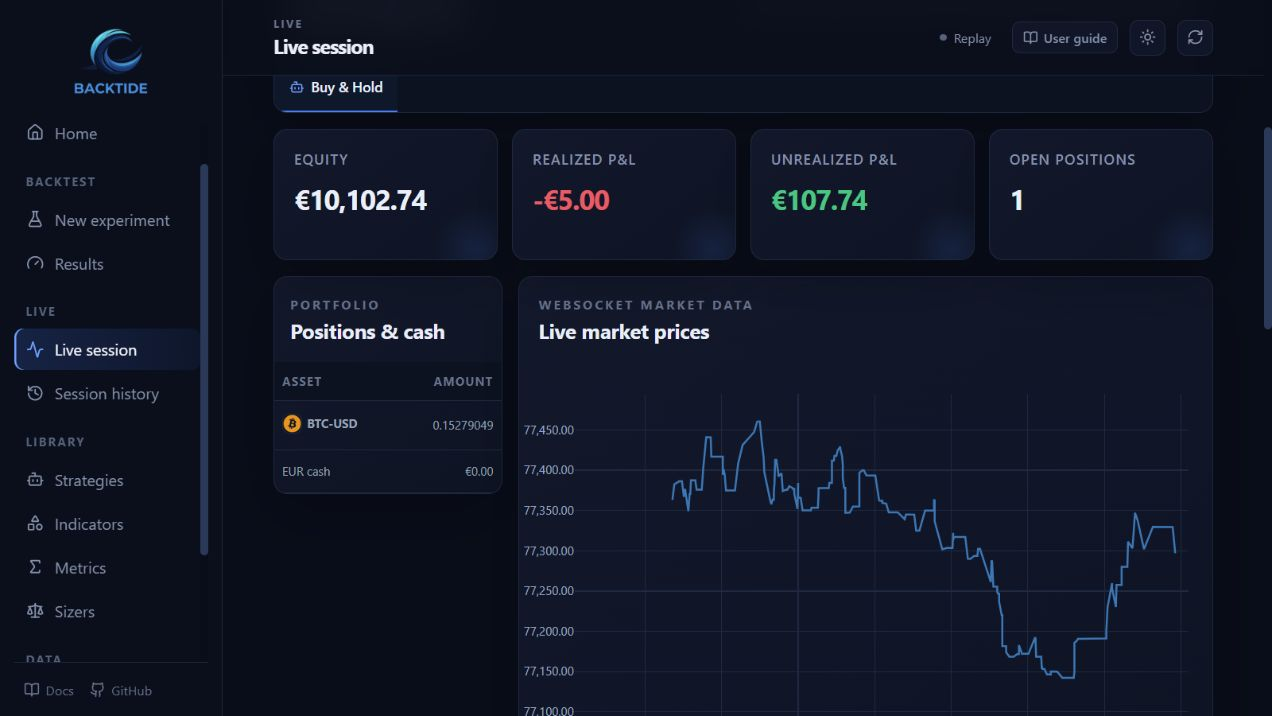
| Live | Live simulation | Configure and run live-data strategies with local simulated execution. See Live simulation. |
| Live | Session history | Inspect persisted journals and replay a prior session through a fresh simulation engine. |
| Library | Strategies | Create and manage strategies used by backtests and live simulation. |
| Library | Indicators | Manage strategy dependencies and optional backtest/live monitoring indicators. |
| Library | Metrics | Browse built-in and custom performance definitions. |
| Library | Sizers | Save reusable built-in presets or custom position-sizing policies. |
| Data | Download | Resolve instruments and download normalized OHLCV bars. |
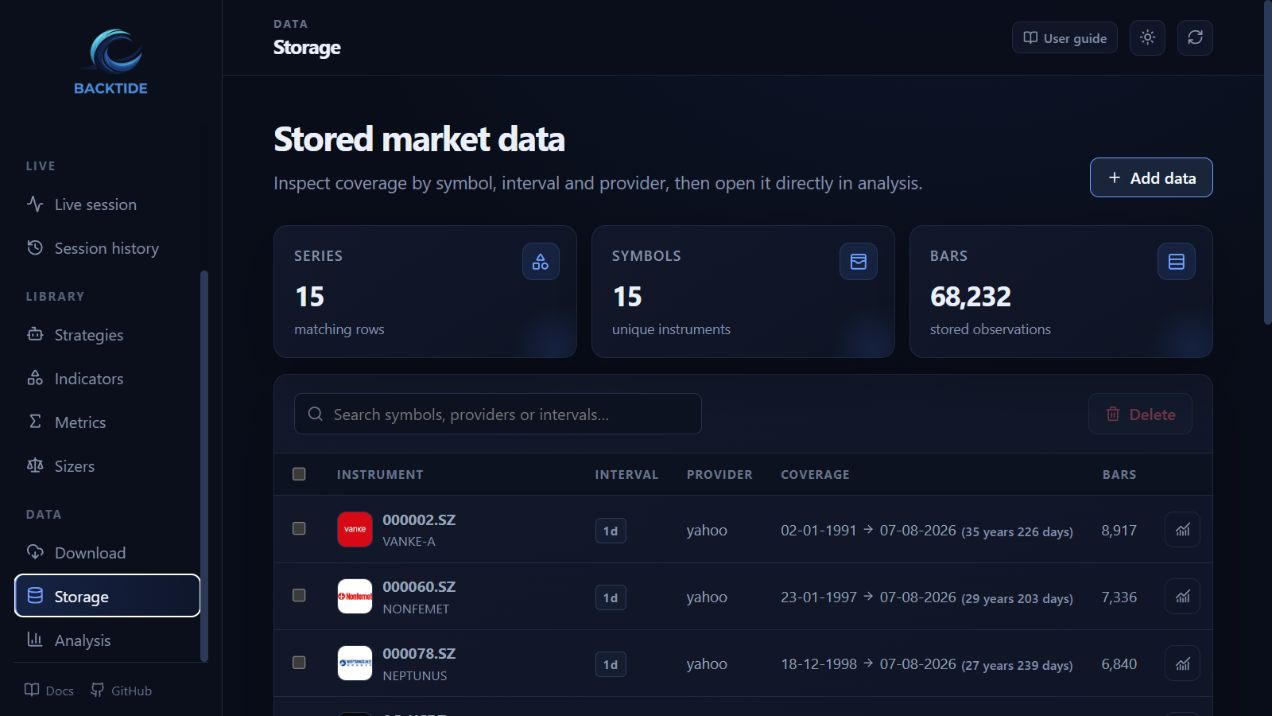
| Data | Storage | Inspect coverage, open stored series in Analysis, or delete selected data. |
Searchable selectors are keyboard accessible and remain usable on smaller screens. Long-running downloads and experiments run in background jobs, so the interface can show progress and accept cancellation without blocking navigation.
How the application runs
The web application and Python API use the same calculations, configuration, and local storage. The browser never reads the database directly, and long-running work can report progress or be canceled without blocking navigation.
Frontend development
Package users can skip this section. Contributors changing application/ install its
development dependencies, run unit tests, and rebuild the committed production bundle:
just frontend-sync
just frontend-test
just frontend-build
The build output is written to src/backtide/ui/static/ and must be committed with
the source change. just launch always serves that production bundle through the
same backend used by an installed wheel.
Screenshots