Application
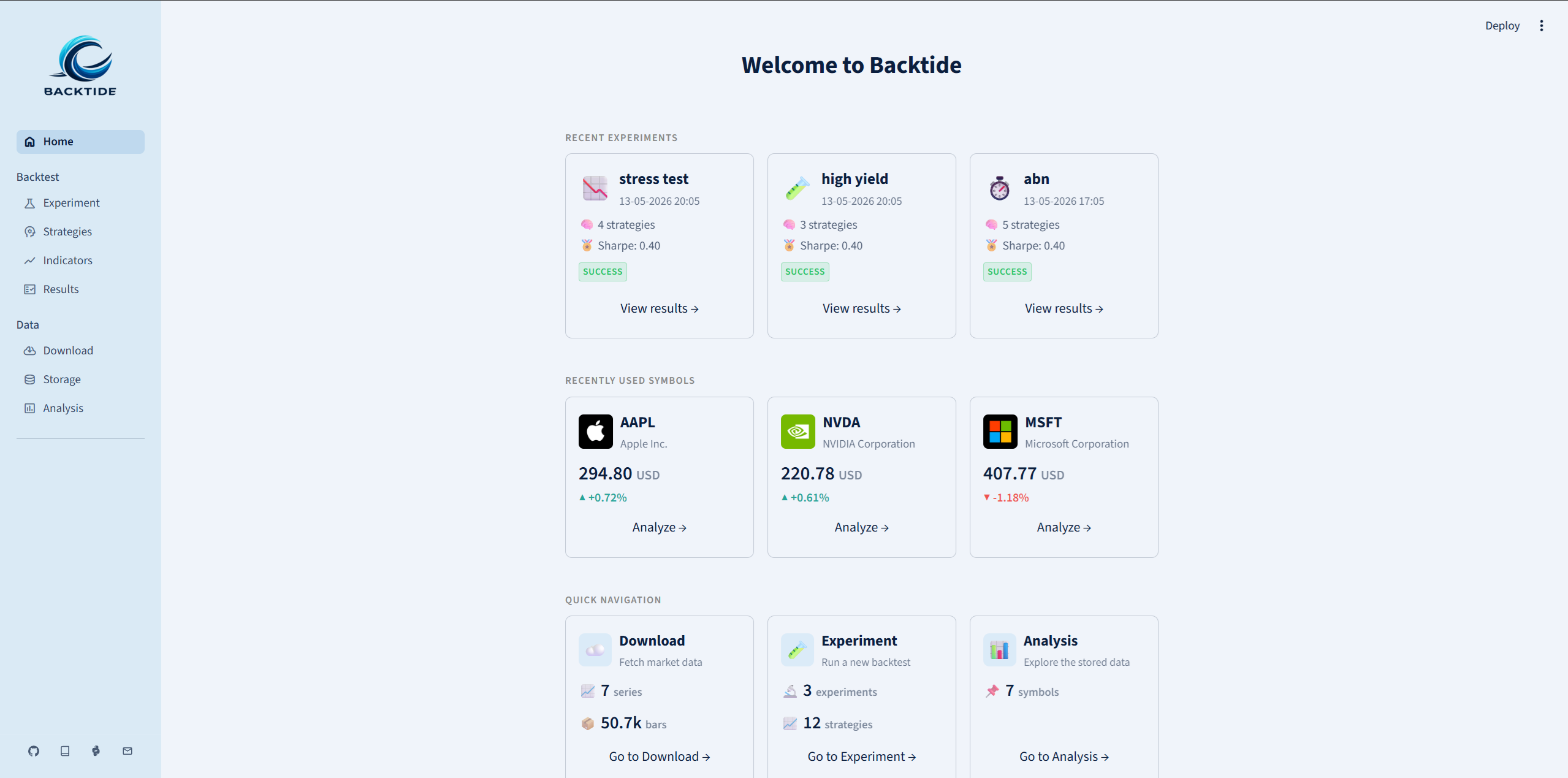
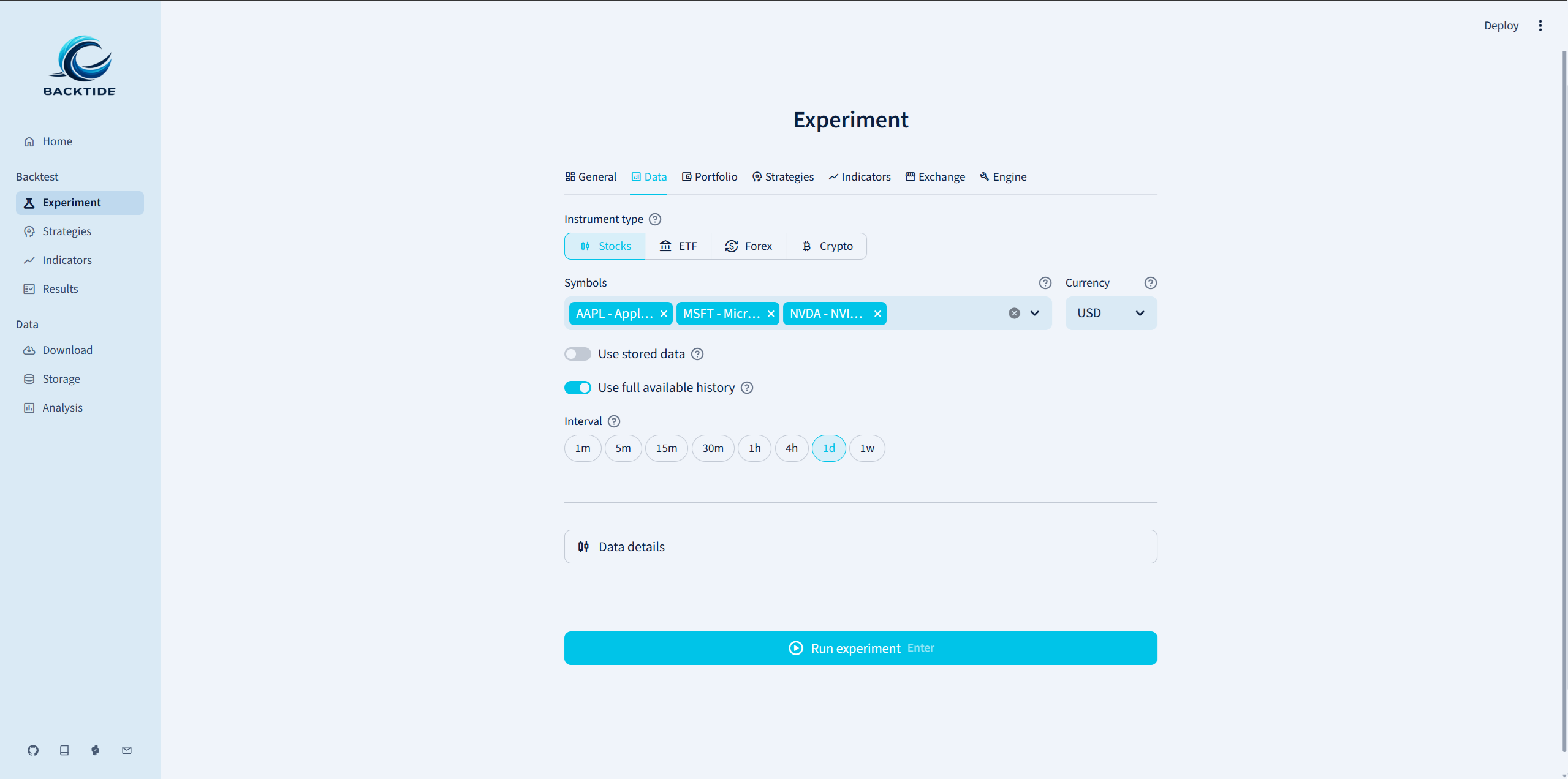
Backtide ships with a full-featured web application built on Streamlit. The app provides a graphical interface for every step of the backtesting workflow — from downloading market data to configuring experiments and analyzing results — without writing a single line of Python.
Launching the app
The fastest way to start the application is through the CLI:
backtide launch
This starts a local Streamlit server (by default on http://localhost:8501)
and opens the app in your browser. You can customize the address and port
with flags or through the configuration:
# Bind to a specific address and port
backtide launch --address 0.0.0.0 --port 9000
You can also launch the app programmatically:
from backtide.cli import main
main(["launch"])
Pages
The sidebar gives access to the following pages:
| Page | Purpose |
|---|---|
| Experiment | Configure and run a backtest: select symbols, set date ranges, define strategies, pick indicators, and tune exchange & engine parameters. |
| Indicators | Create, edit and manage indicators. Add built-in technical indicators (SMA, EMA, RSI, MACD, Bollinger Bands, …) or write your own custom indicator in Python. |
| Strategies | Create, edit and manage strategies. Add built-in strategies or write your own in Python. |
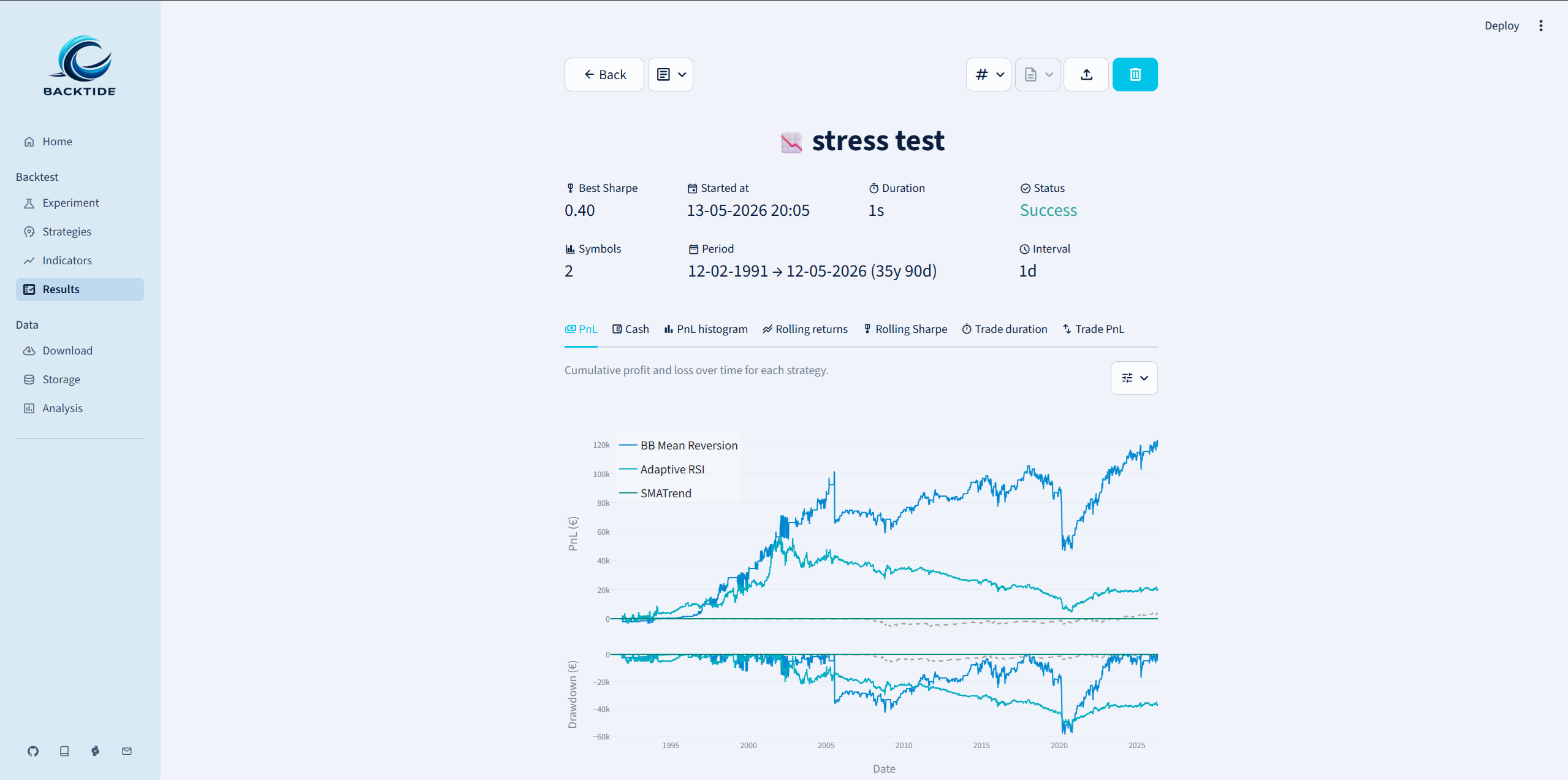
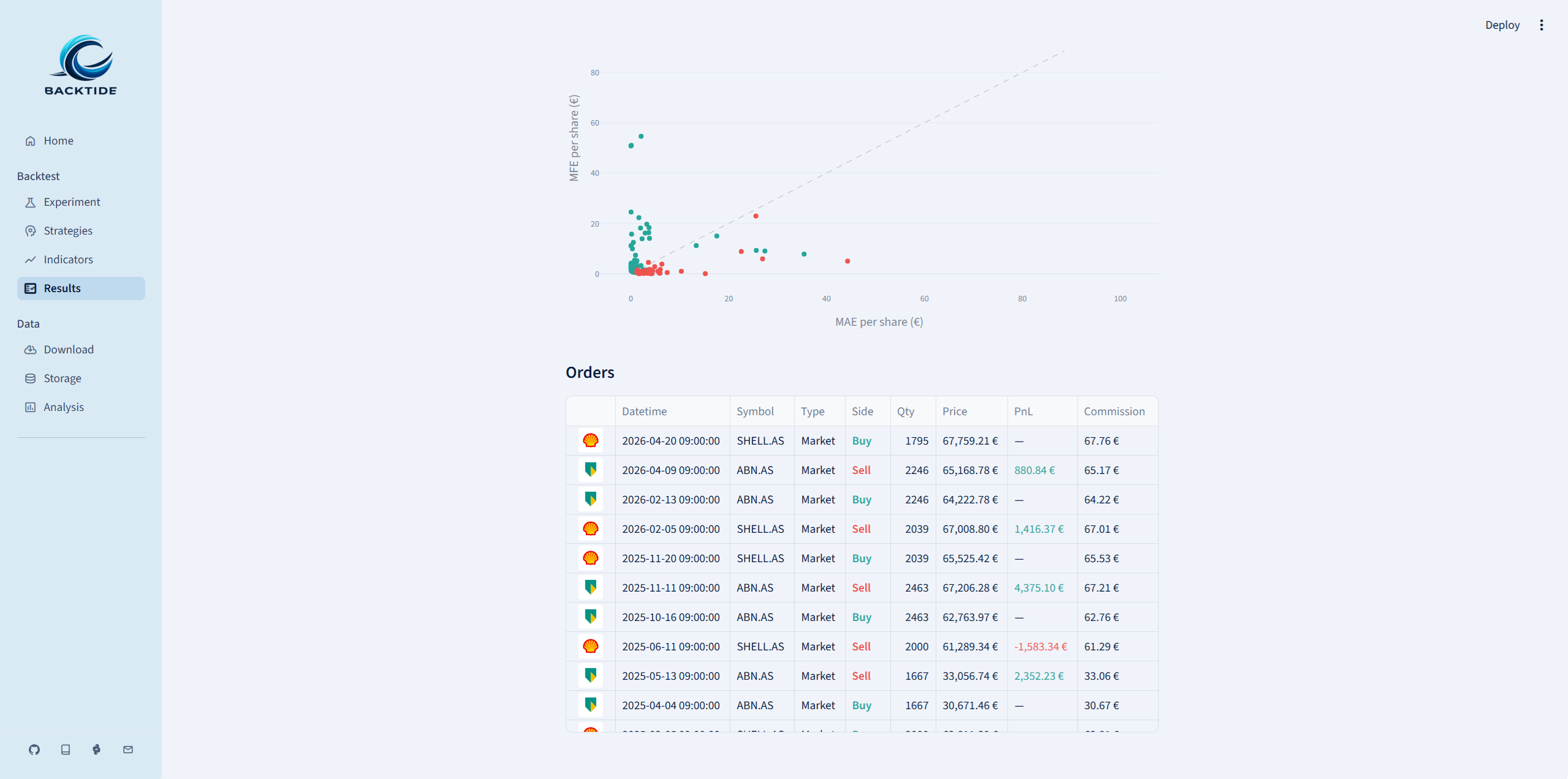
| Results | Review the output of completed backtests. |
| Download | Fetch OHLCV bars from supported data providers and persist them to the local database. |
| Storage | Inspect and manage the local database: view stored series, date ranges, row counts and delete data you no longer need. |
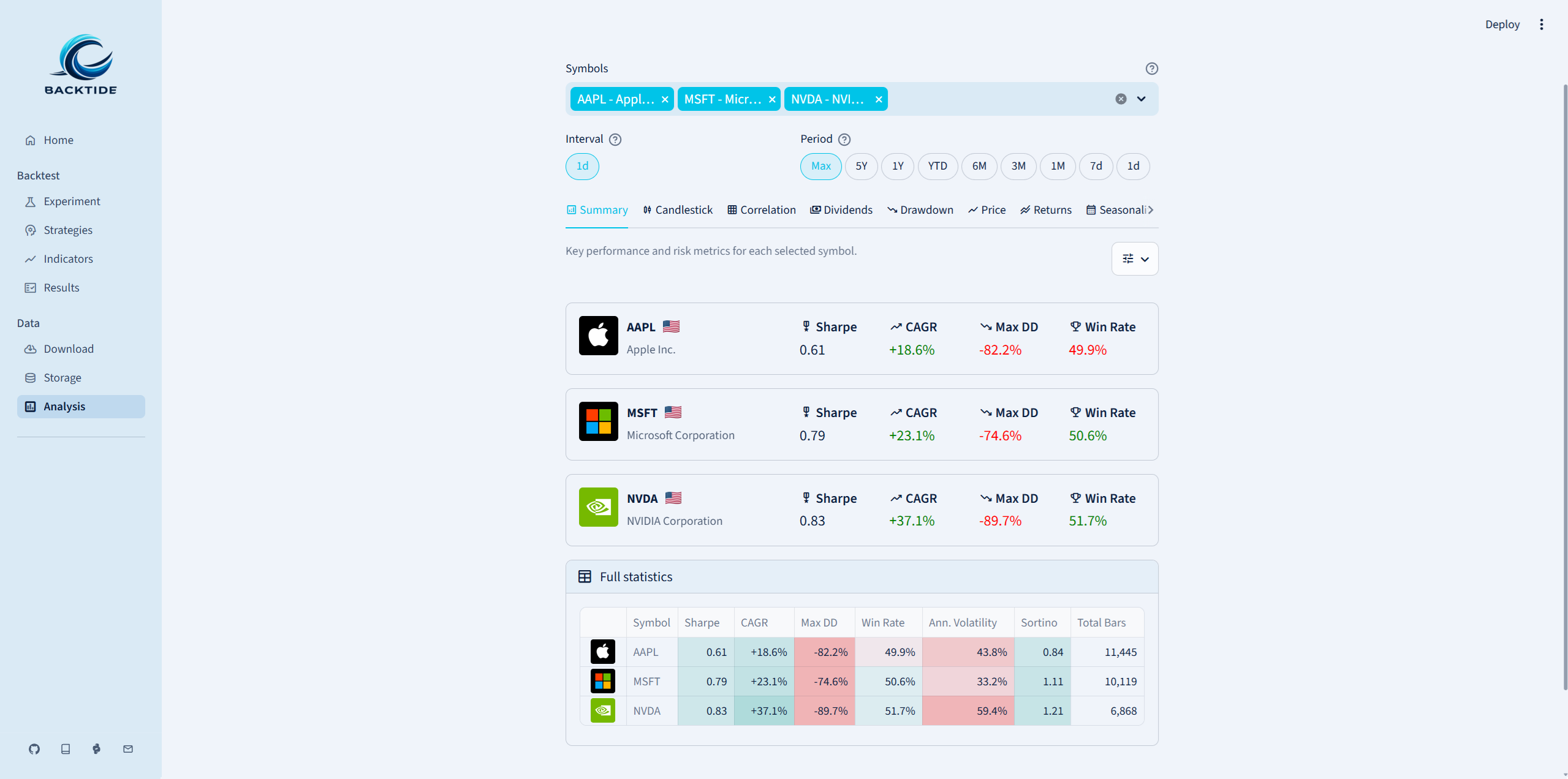
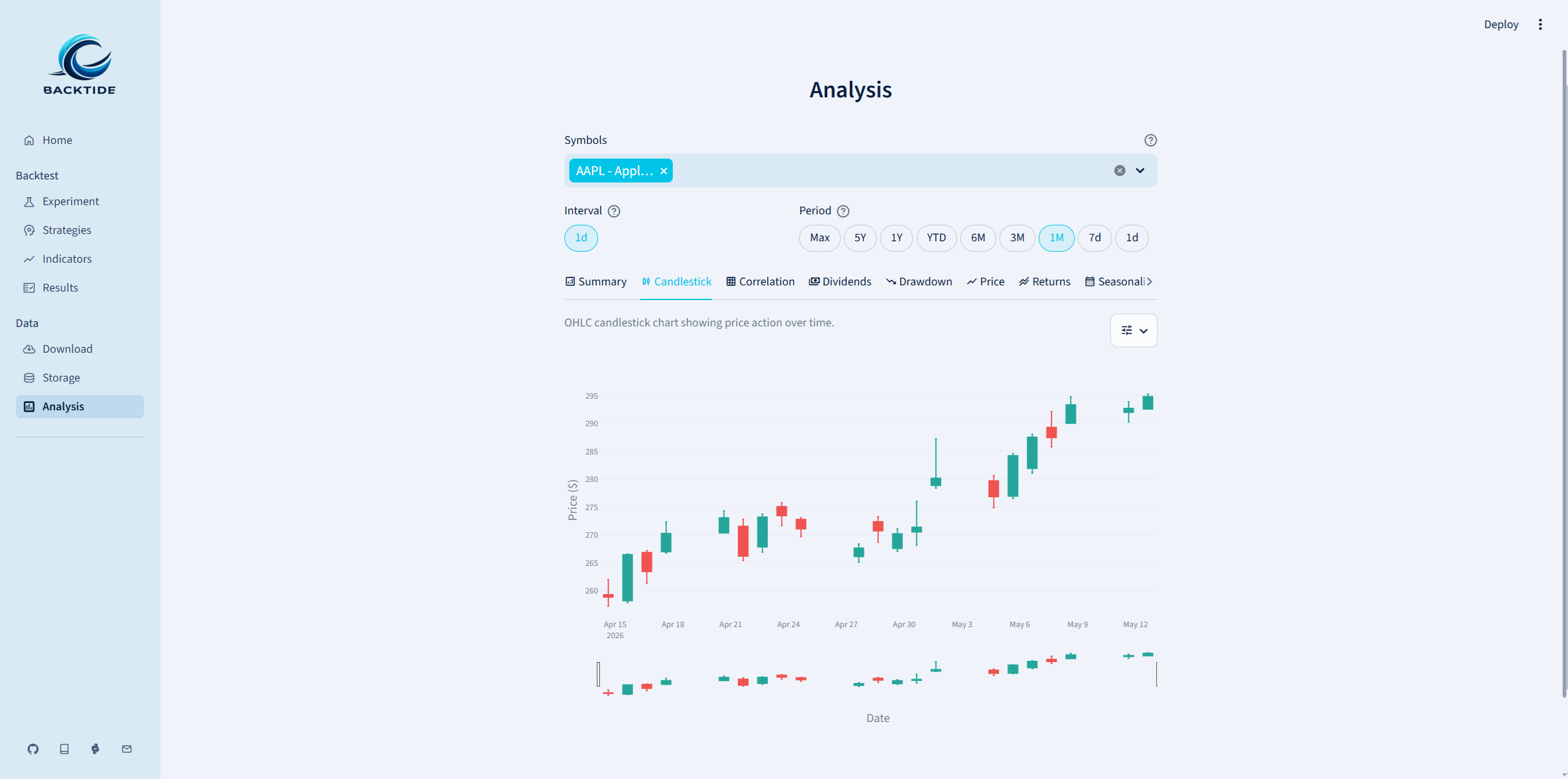
| Analysis | Explore stored market data. |
Advantages
- No code required — The entire backtesting pipeline is accessible through the UI, making it ideal for beginners or for quickly prototyping ideas.
- Live editing — Custom strategies and indicators can be written and tested directly in the browser using the built-in code editor.
- Interactive charts — All plots are rendered with Plotly and are fully interactive.
- Configuration driven — Every experiment setting exposed in the UI maps to a field in ExperimentConfig, so you can also pre-fill the app by importing a config file from disk.
Screenshots